 Relm
Relm⌥Space
Quick Capture
The clipboard, a file or a note, from any app, without switching.
Save screenshots, images, links and notes in one gesture. Relm reads what's in them, suggests where they go, and finds them again. All on your Mac.
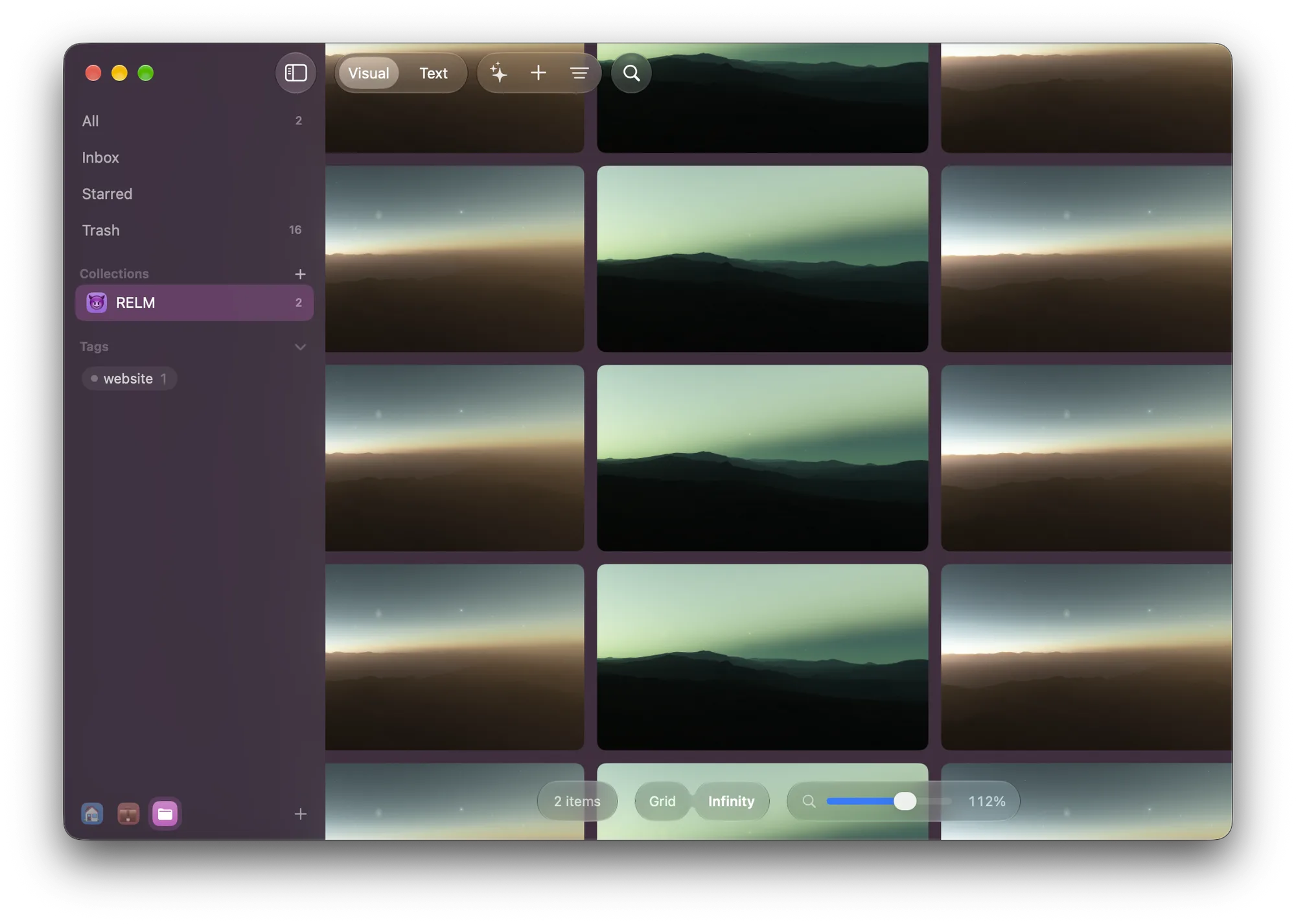
Relm stays out of your way until you need it, then knows where everything is.
The clipboard, a file or a note, from any app, without switching.
A screenshot that remembers the page it came from.
Everything lands in the Inbox. Triage files it one key at a time.
Emoji or symbols, twenty colors, and a board that takes them on.
Text inside screenshots and PDFs is searchable too.
Find images that look alike, and merge duplicates keeping the best copy.
Answers point to real items, worked out on your Mac.
The Share menu, the browser, the menu bar and your screenshots folder.
Claude and other agents can search it over MCP, or use the relm command.
Browse, triage and style your library, in a Mac app that feels like one.
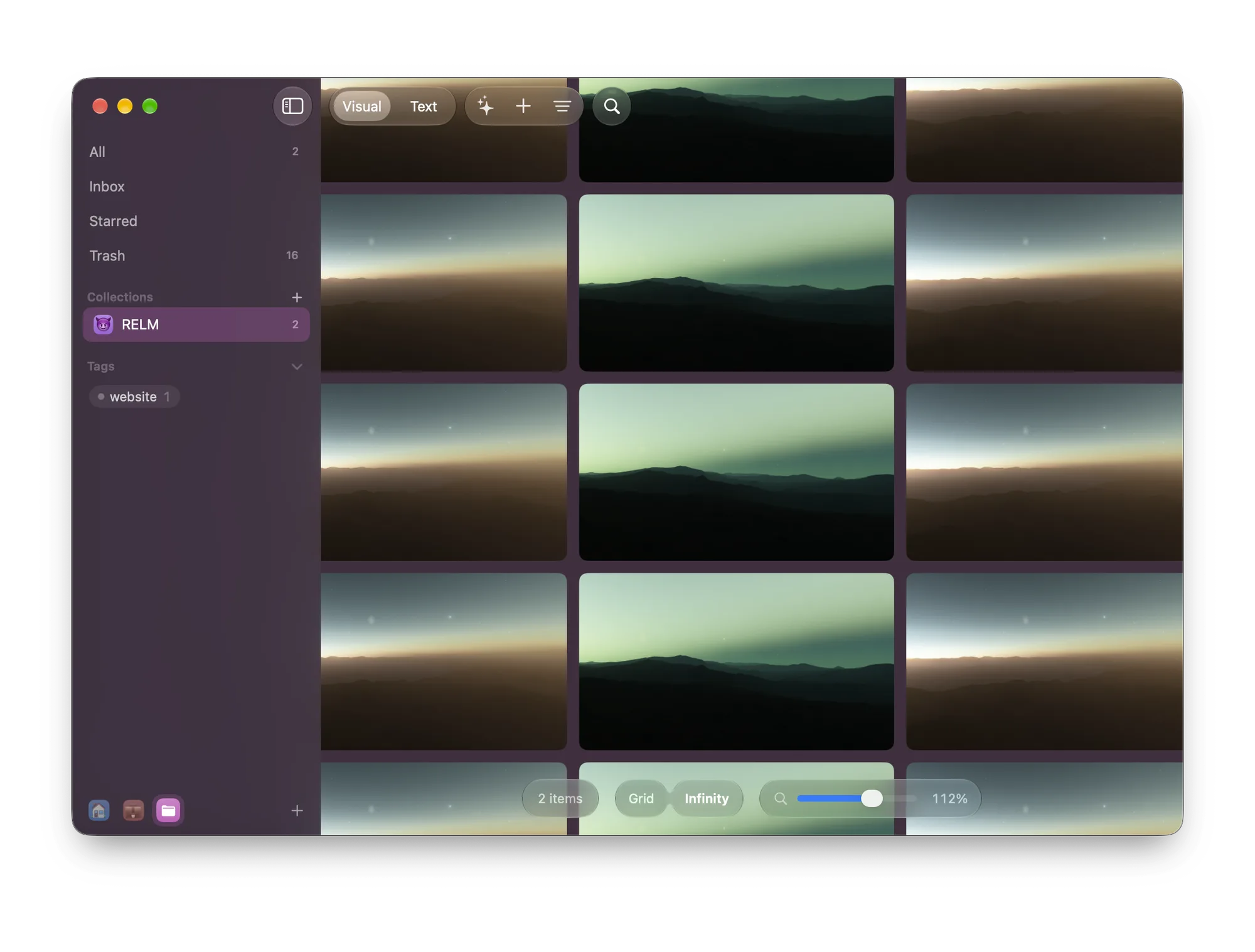
Written in Swift for Mac and iPhone. There's no Relm account and no Relm server: your library lives on your Mac, with optional sync through your own iCloud.
No subscription. Try everything free for 14 days.
Your library keeps working: browse, search, preview and export everything, as before. Saving new items asks for a license. Nothing is deleted or locked away.
Relm needs macOS 27 or later. Suggested titles, summaries and Ask your library need a Mac with Apple Intelligence. Without it, Relm suggests tags from image recognition and everything else works.
Paste the key from your purchase email in Settings → License on each Mac, up to three. To move it, choose Move to Another Mac on the old one first.
No. Relm works entirely on one Mac. Turn on Sync with iCloud to share your library between your Macs and your iPhone.
On your Mac, or in Relm's iCloud Drive folder when syncing. Export any collection or selection as files at any time.
Not yet. Relm is sold here and updates itself. Payment runs through Lemon Squeezy, which adds your country's sales tax and sends a receipt.